
 DoBox
DoBox
All your notes.
Just for you.
57 note types, each with its own editor. Free and unlimited, no ads, no account required, encrypted on your device.
- Complete Lists, recipes, drawings, budgets…
- Fast Everything lives on your device: no waiting on the network to write.
- Simple Tap +, pick, write.
- Secure Hidden notes, password-protected vaults.
The beta Android APK is available here; the app isn't in the store yet.
A color per type
Every type has its color.
Recipe in orange, budget in green, journal in violet: tiles, cards and headers take the type’s color. In Immersion, the note’s color fills the whole screen; in Vivid immersion, it shows at full strength.
What you can do
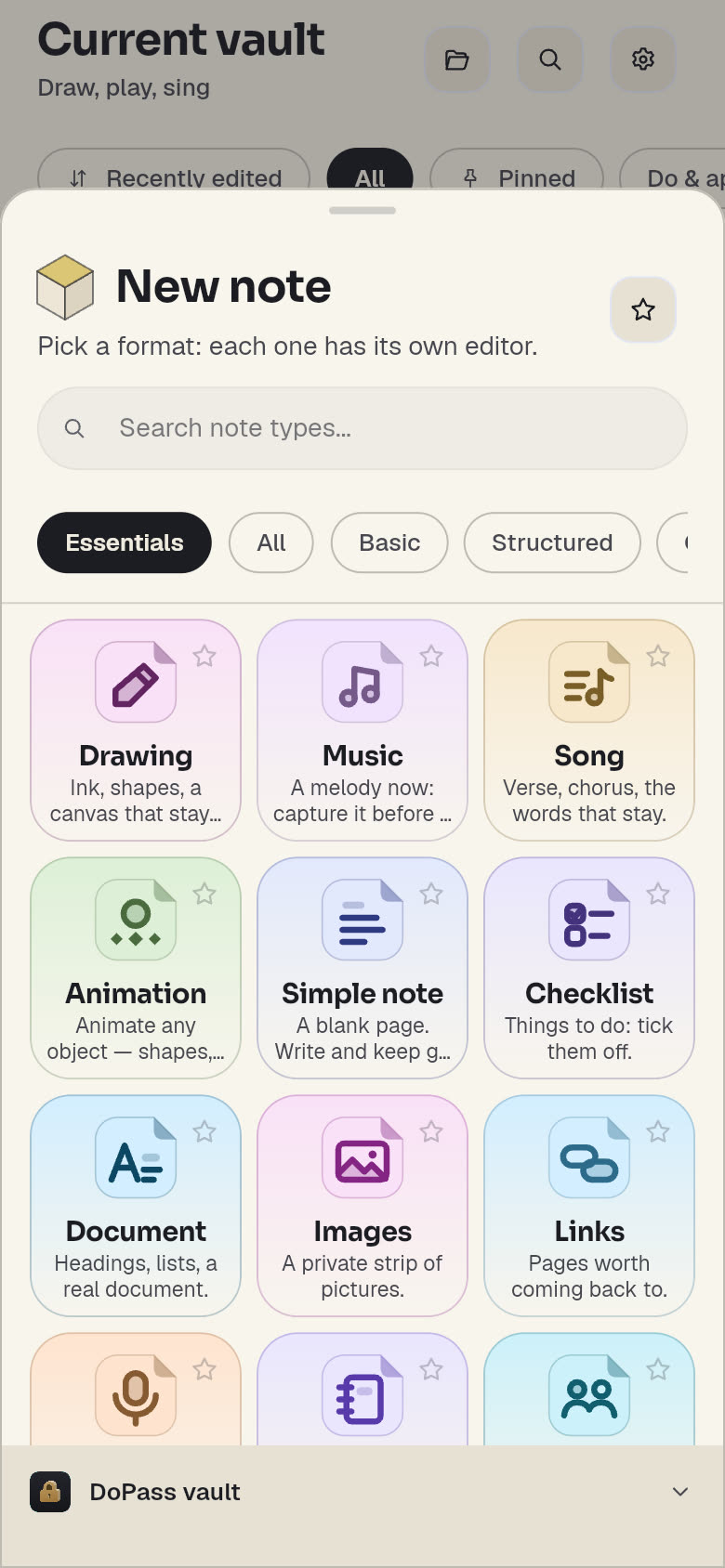
A format for every idea.
A recipe has servings and steps, a checklist gets ticked, a mind map grows branches. Search for a format in the demo.
A few ideas to start with
Study
Review with flashcards, outline a course as a mind map.
Travel
The journey, the day-by-day itinerary, the packing list.
Cooking
Your recipes with servings and steps, the week’s meals.
Work
Who said what, who does what, invoices and schedules.
Personal
A few lines a day, your habits, your mood, your budget.
Lists
Tick it, move on.
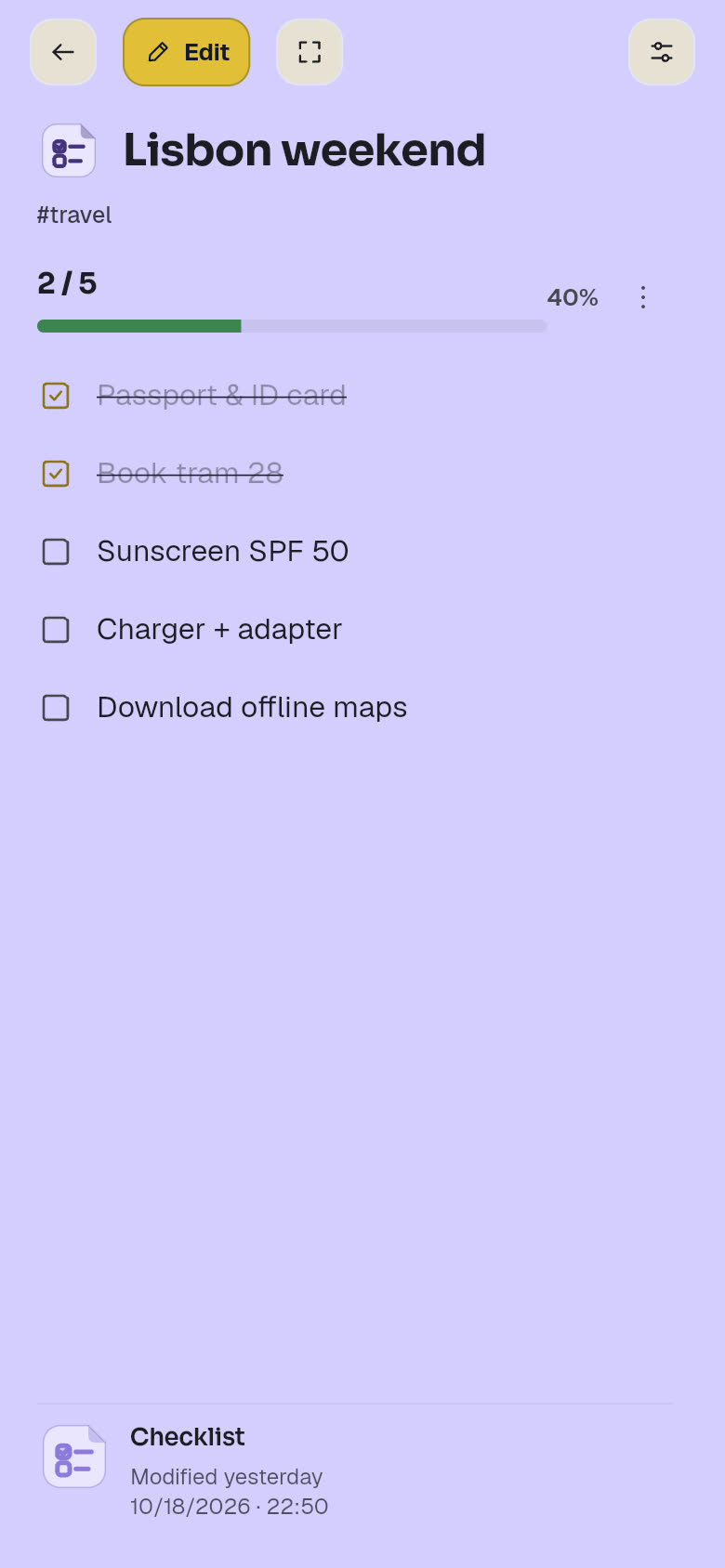
Tap an item: it gets crossed out, and the counter and bar move on. Switch to Edit to type, add or delete. Made a mistake? In the app, you undo, even several actions at once.
Cooking and study
Editors that do the work.
A recipe rescales its quantities, flashcards quiz you. These demos reproduce the app in a simpler form: nothing is saved or sent.
Recipe
Change the servings: quantities follow, fractions included. “A pinch” stays a pinch.
Flashcards
Flip the card, then say whether you knew it or want to review it later.
Every day
Your days, in color.
Habits, budget, mood: each note keeps its type’s color, so you see where you stand at a glance.
Habits
Tap a day: the streak updates.
Budget
Add an expense: what’s left this month and the categories follow.
Mood
Pick today’s mood: the week fills with color.
Your vault
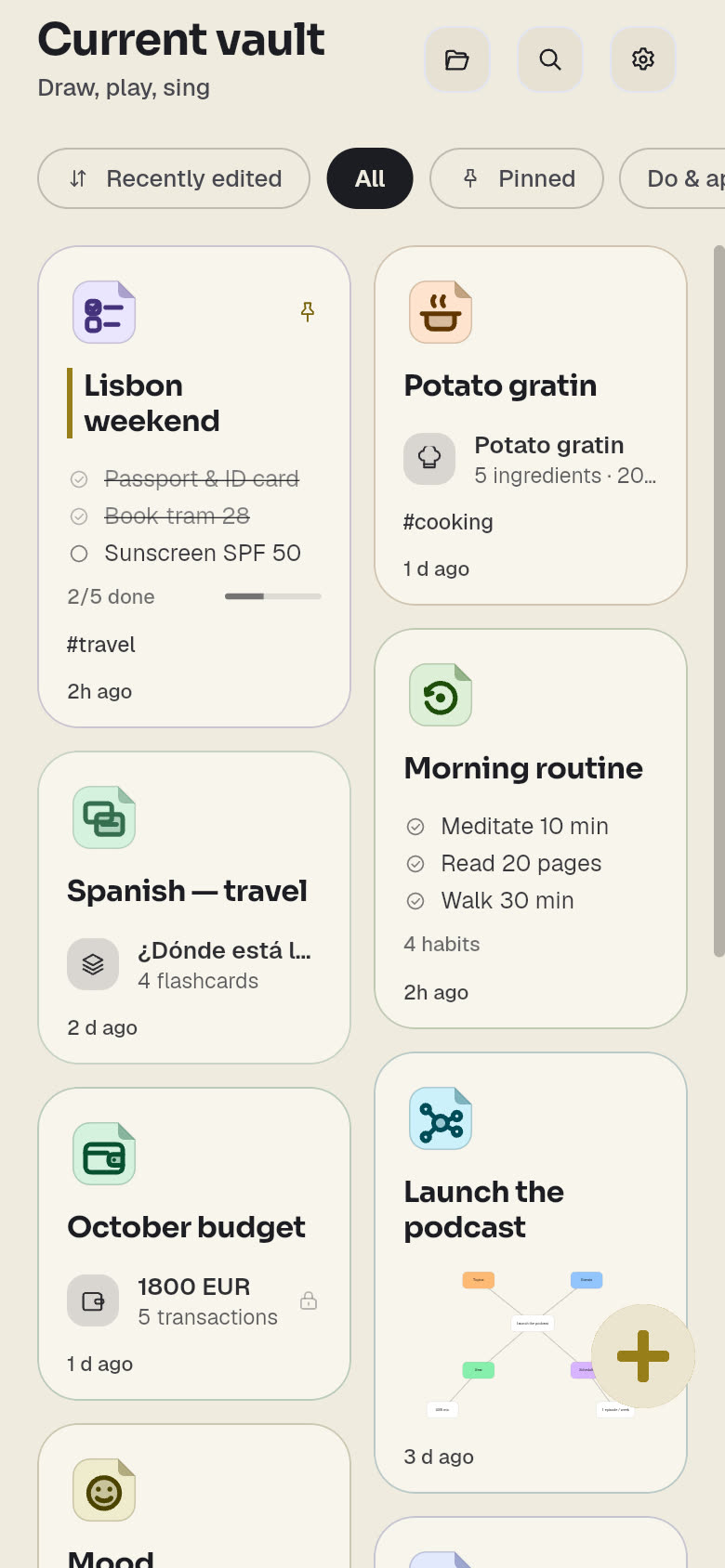
Everything in one place, organized your way.
Pin, filter by type, add tags, sort into folders. Light, dark or your device’s theme; in English or French.
Search
Accents and capitals don’t matter: “creme” finds “crème”.
And also
The details that make the difference.
On-device voice transcription
Speak, DoNote transcribes. The model (about 74 MB) runs on your device, for free, and is only downloaded if you agree. In the installed app.
Reminders
Dated notes (event, meeting, time capsule) remind you at the right time. It all happens on the device, in the installed app, and a hidden note’s content never shows in a notification.
Export, always
PDF, HTML, ZIP archive (JSON), PNG or JPG for drawings, MIDI for music, WAV for voice, vCard (.vcf) for contacts.
Accessibility
Read aloud, screen reader labels, adjustable display density.
Several vaults
Keep personal and work apart: each vault has its own notes and its own password.
Your data
Your data. Your rules.
Local first
Your notes live on your device and work offline. Without an account, they never leave it.
Encrypted, no master key
AES-256-GCM on your device. Nobody holds a key that opens every vault: the server can’t read your sync.
AI only if you decide
It’s off by default. If an AI in the DoBox suite asks to read a hidden note, DoNote asks for your consent, and passwords, cards and personal data stay out of reach.
No ads, no data selling
No ads, anywhere. Your data is never sold to anyone. No ID check, no account required.
Hidden notes
In the app: a dedicated password or your fingerprint, and 5 attempts before a 5-minute lockout.
Plans
Free to write. Premium, soon.
Free
Now
- Unlimited notes, every type
- On-device voice transcription
- Export in every format
- Hidden notes and encrypted vaults
Premium
Soon · price not set yet
- Encrypted cloud sync, hosted in the EU
- Conflicts handled: if a note changes on two devices, the latest is kept and the other becomes a “conflict” copy
- Advanced AI, on request
- Extra storage
The DoBox suite
DoNote first. The other apps next.
- Available
DoNote
Your notes, in every format.
- Soon
DoChat
Encrypted messages and calls.
- Soon
DoPlan
An encrypted calendar, linked to DoNote and DoChat.
Ready?
Start with a note.
Open DoNote in your browser: your first note is one click away.